So I am the technology person for my campus, which I do not feel adequate enough for the job. I really do try to integrate technology into learning, but it is hard to do all of the time. I have to admit, though, that I have fallen in love with using QR codes to make student learning more engaging. Here is a video of us on a sight word hunt.
We called it Robot Sight Words. My kids are very obsessed with robots, so when I met Moby from BrainPop, they totally went bonkers.
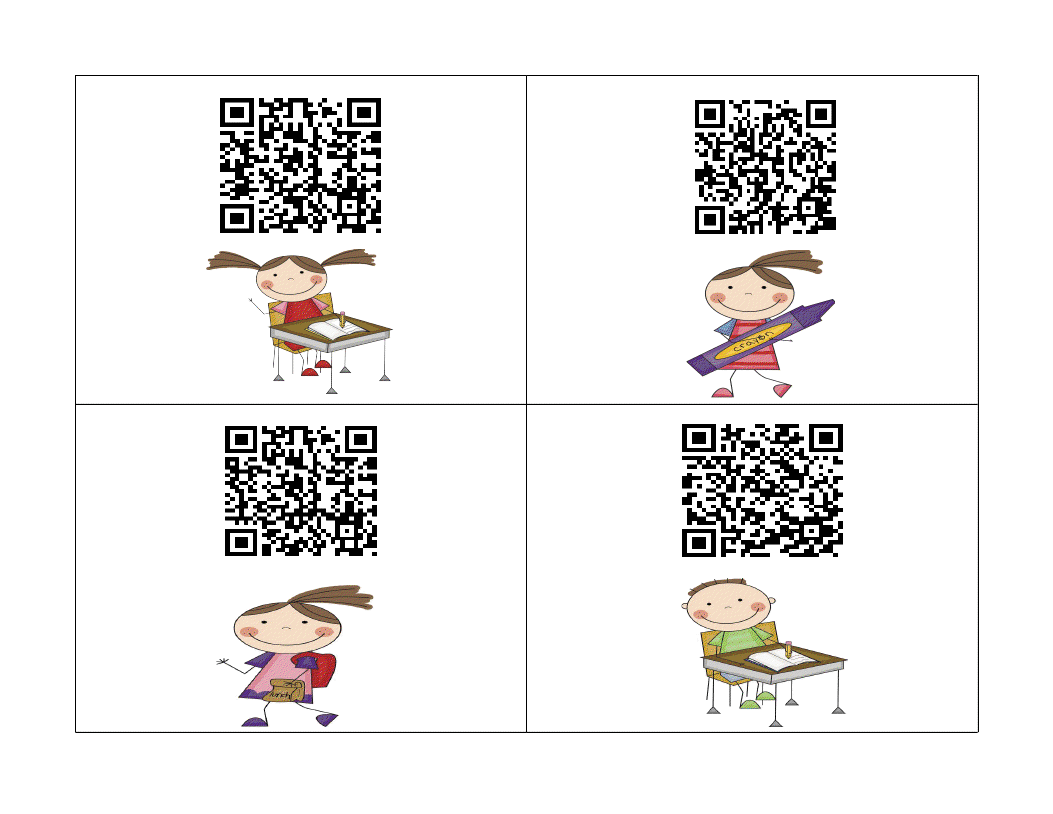
Anyways, I told my cuties that we were going to go on a sight word hunt, but that Moby wanted to help. Then next thing I knew, he turned our sight words into robot words! That crazy robot! So then I showed them how to use a QR code reader and they hunted for the sight words from this document:
They loved finding robot sight words!
Here is one more video, just for fun:
If you want to learn more about QR codes, check out my presentation document below from when I presented to my campus.
Hi friends! So I have a fabulous volunteer in my room and she recorded my class checking for Daily 5 and working while I taught a guided reading group. It's not much, but it shows how to check in and my cuties working.
During the video, I check in my students by calling the reading group friends first (after making a mistake - this gal was nervous!), then I call the friends who have the iPads for the day. Last I check in the other students. They quickly told me what daily they would do and I marked their response on this recording sheet.
If you want to learn more about the iPads and the apps I use, check out my presentation materials by clicking on the pic below.
This document also explains how I choose the students to use the iPads each day.
I don't know if you are familiar with QR (quick response) codes, but I am becoming a fan of them. Theyare so easy to use and kinders love using the iPads for anything, so I have been creating fun activities that use QR codes. Here is a sight word scavenger hunt for you. It uses the sight words be, good, go, she, said, will, play, and for. Place the cards around the room and let students scan them with a QR reader on a iPad. Then they record the word on the recording sheet.
I also created this document that walks you through creating them and other uses for them.
I am also working on adding a QR codes page to my website. Here is a very rough draft of it. It will look better soon and have tons of resources, I promise.
Wish me luck because tomorrow I am presenting on QR codes for my campus after school. EEKK!
Hi there! Happy Presidents' Day! We had a day of professional development and I was one of the presenters. I presented on using {free} apps with our iPads during Daily 5. Here is my little handout that went along with it. I hope it's useful for some of you.