Showing posts with label Technology. Show all posts

Friday, September 2, 2016

Do you know Adobe Spark?

Have you heard of Adobe Spark?


It's awesome and so easy to use.  It's an app that let's you create stories with photos and voice recordings.  I have already used it a few times.  I even taught my kinderst last year how to make an Adobe Spark video.

Last year my class performed a play to raise money and save the polar bears.  We used Adobe Spark to create our invitation.

This year I have started using Adobe Spark to create a way for families to learn about the different parts of our day.  The first one I made was about our Morning Message.

Today's video for my families was about Daily Five.

If you want to see the rest of my videos that I am going to share next week, follow me on my NEW Facebook page for Sprinkles to Kindergarten.  Click the button below to visit!  It's still in the making, but it's getting there. 

https://www.facebook.com/sprinklestokindergarten/?ref=aymt_homepage_panel


I plan to implement Adobe Spark more this year to create digitally published stories for my cuties in Writer's Workshop.  Then I can create a QR for their stories and display them in the classroom for Listening to Reading in Daily Five. 

How would you use Adobe Spark?


Wednesday, June 19, 2013

Beginning Blends with QR Codes

This past year my cuties really enjoyed QR codes and searching the room for them to practice a concept we had been working on.

Here is my YouTube video I posted before of them searching for QR codes:


I created this product for conducting a QR codes hunt for beginning blends.

Click the pic above to grab it for only $2.

If you want a free copy TODAY ONLY, just leave your email below.  I will send it to everyone who leaves their email before midnight tonight!

Have a happy Wednesday!

Sunday, May 12, 2013

Animal Research Project

We have been learning about animals for the past few weeks and really showed off our learning with an animal research project.  Here is the finished product:


We attached a rubric to the back of our projects and colored in each of the things that living things needs when we added them to our projects.


To make the project, each student chose an animal based on a set of Pebble books I checked out from the library.  We used the books and the website, Pebble Go, to learn about our animals.


Pebble Go also helped us with research skills and allowed us to integrate technology into our learning.  They LOVED using it!

It is a VERY useful sight for kinders because it meant for emergent readers.  The site is written in kid friendly language and reads the information to students.  It also has videos of the animals and allows students to listen to the sounds the animal makes.

We also wrote books about our animals that included a table of contents and information we learned about our animals.  Of course we dedicated our books, too!  (They LOVE that dedication stamp!)


We used many organizers and such to creat these projects.  You can get them in my shop as a freebie.

Happy Sunday, everyone!

Saturday, February 23, 2013

Check us out!

So I am the technology person for my campus, which I do not feel adequate enough for the job.  I really do try to integrate technology into learning, but it is hard to do all of the time.  I have to admit, though, that I have fallen in love with using QR codes to make student learning more engaging.  Here is a video of us on a sight word hunt.


We called it Robot Sight Words.  My kids are very obsessed with robots, so when I met Moby from BrainPop, they totally went bonkers.

 
Anyways, I told my cuties that we were going to go on a sight word hunt, but that Moby wanted to help.  Then next thing I knew, he turned our sight words into robot words!  That crazy robot!  So then I showed them how to use a QR code reader and they hunted for the sight words from this document:


They loved finding robot sight words!

Here is one more video, just for fun:


If you want to learn more about QR codes, check out my presentation document below from when I presented to my campus.

Happy weekend!

Thursday, February 21, 2013

Daily Five Video

Hi friends!  So I have a fabulous volunteer in my room and she recorded my class checking for Daily 5 and working while I taught a guided reading group.  It's not much, but it shows how to check in and my cuties working.

During the video, I check in my students by calling the reading group friends first (after making a mistake - this gal was nervous!), then I call the friends who have the iPads for the day.  Last I check in the other students.  They quickly told me what daily they would do and I marked their response on this recording sheet.

If you want to learn more about the iPads and the apps I use, check out my presentation materials by clicking on the pic below.


This document also explains how I choose the students to use the iPads each day.

I hope this was helpful!  Have a happy Thursday!

Wednesday, February 20, 2013

Using QR Codes

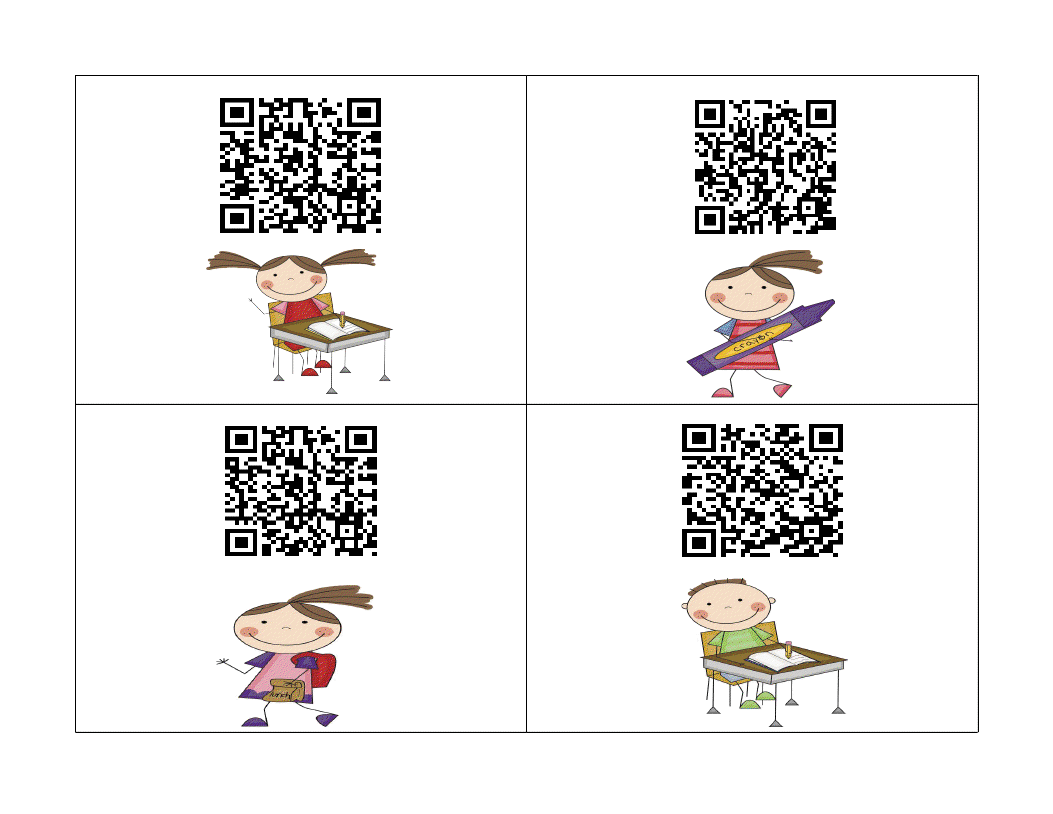
I don't know if you are familiar with QR (quick response) codes, but I am becoming a fan of them.  They are so easy to use and kinders love using the iPads for anything, so I have been creating fun activities that use QR codes.  Here is a sight word scavenger hunt for you.  It uses the sight words be, good, go, she, said, will, play, and for.  Place the cards around the room and let students scan them with a QR reader on a iPad.  Then they record the word on the recording sheet.

 I also created this document that walks you through creating them and other uses for them.

I am also working on adding a QR codes page to my website.  Here is a very rough draft of it.  It will look better soon and have tons of resources, I promise.


Wish me luck because tomorrow I am presenting on QR codes for my campus after school.  EEKK!

Monday, February 18, 2013

Free iPad apps for Daily 5

Hi there!  Happy Presidents' Day!  We had a day of professional development and I was one of the presenters.  I presented on using {free} apps with our iPads during Daily 5.  Here is my little handout that went along with it.  I hope it's useful for some of you.


LinkWithin

Related Posts Plugin for WordPress, Blogger...